Fionn DLL Fixer 2026
We solve the main problems: Fix crashes, freezes and errors by restoring system files.
 Download
Compatible with Windows 11/10
4.9/5 by 4872 users
Fix various PC crasheswith one click
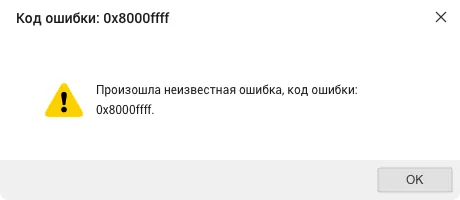
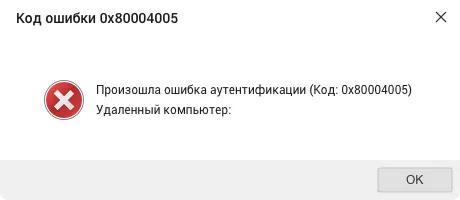
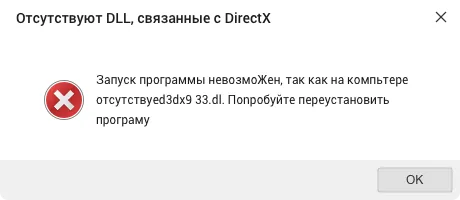
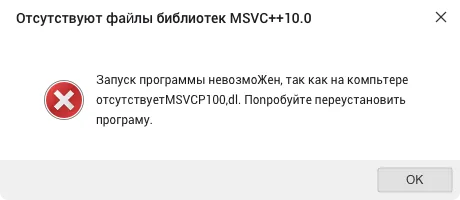
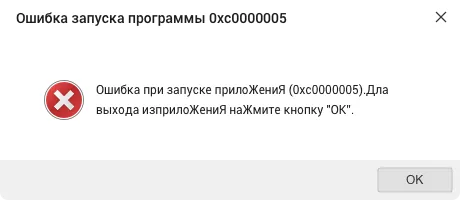
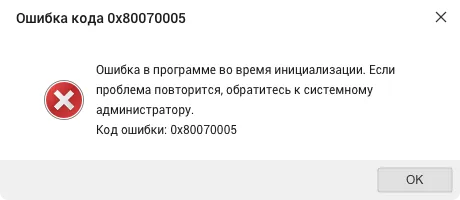
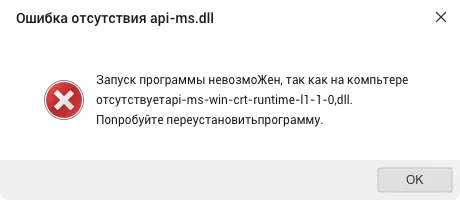
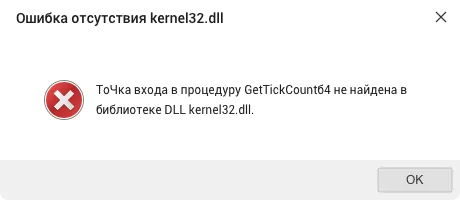
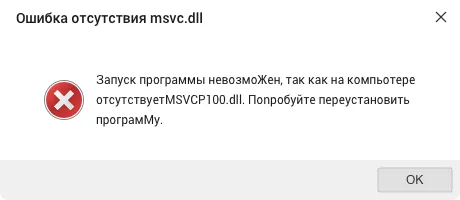
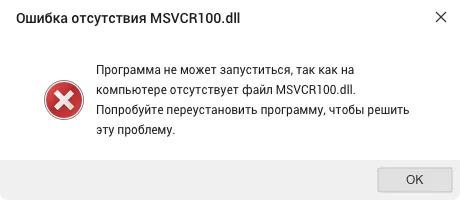
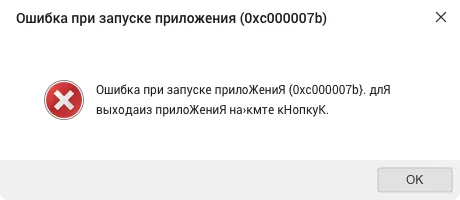
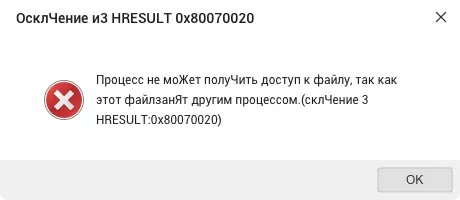
Streamlined Interface for Reliable System Repair
With a clear dashboard and smart repair workflow, Fionn DLL Fixer helps you quickly identify errors and restore system stability.

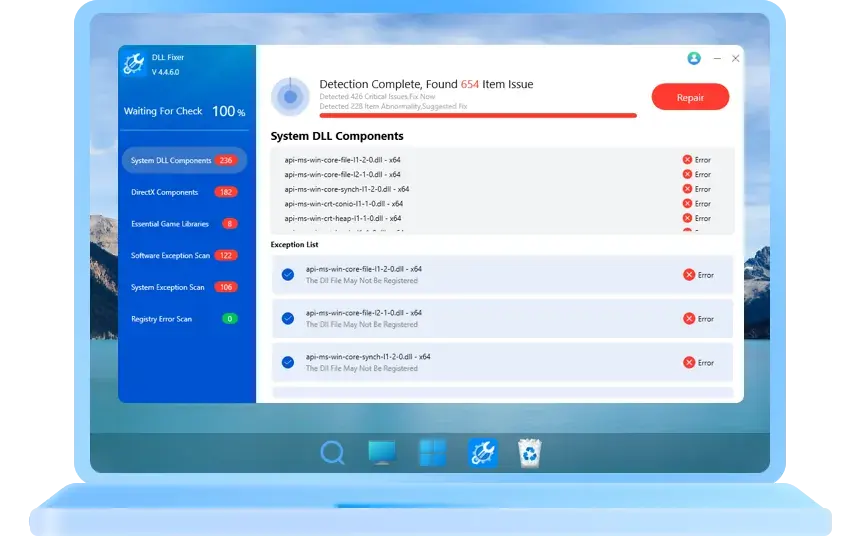


 Succeeded
Fix DLL Errors & Restore Your PC Instantly width Fionn DLL Fixer
Fix stuck Restarting, Welcome, and Loading screens automatically with Fionn DLL Fixer — restore performance and stability in seconds.
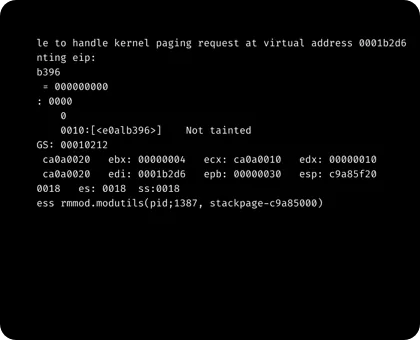
Black Screen
Resolve Windows 10/11 black screen issues – before or after login, laptop black screen with cursor, startup problems, and more.
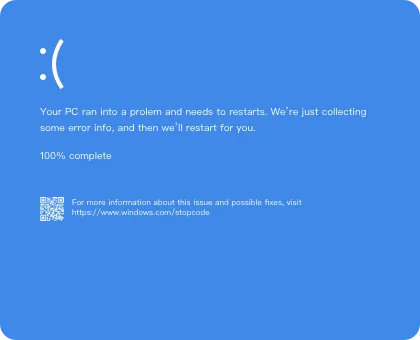
Blue Screen
Fix blue screen errors like 0xc00000e9, 0xc00000e, and 0x80004005. Restore normal startup on your Windows PC.
Restarting Screen
Fionn DLL Fixer automatically detects and repairs corrupted system DLL files that may cause crashes or freezes during the restarting process, ensuring your PC restarts smoothly every time.
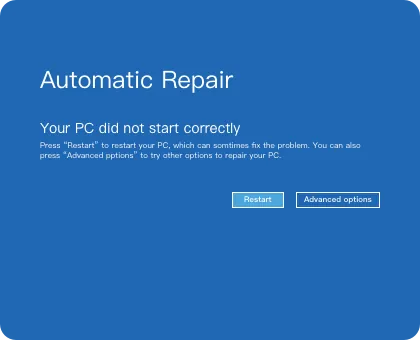
Automatic Repair
Fionn DLL Fixer automatically detects and repairs system errors through its Automatic Repair Screen, ensuring your Windows runs smoothly and efficiently.
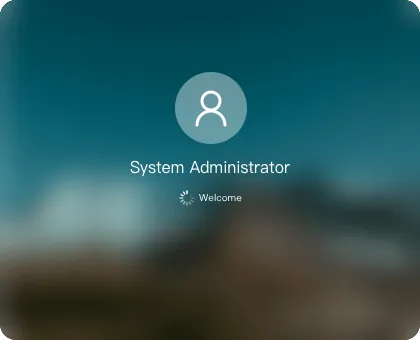
Welcome Screen
Fix login delays and stuck welcome screens with Fionn DLL Fixer. It restores missing or damaged system components that affect startup performance.

Loading Screen
If your PC freezes or loads endlessly, Fionn DLL Fixer identifies and replaces faulty DLL dependencies to get your system back to normal faster.
How Fionn DLL Fixer Works in 3 Simple Steps
Scan Your PC for Errors
Automatically run a Full Scan to thoroughly check your PC for issues related to DLL files, DirectX components, and runtime libraries.
Repair and Replace DLL Components
Stable PC, Ready to Use

Download
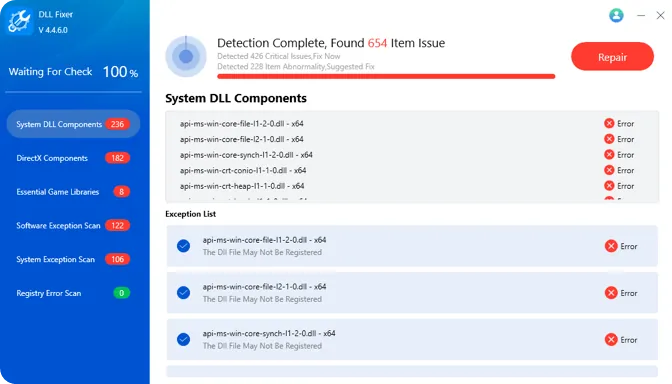
Comprehensive DLL Repair – Easily Fix All Your PC Issues
From missing DLLs to DirectX and runtime errors, resolve everything effortlessly and keep your system running smoothly.
DLL File Missing or Not Found
Programs or games fail to start due to missing DLL files. Common issues include xxx.dll not found, missing entry point, and more.
DirectX Errors
DirectX DLL errors such as 0xc000007b, d3dx.dll missing, or dxcompiler.dll not found cause games to crash at launch.
Runtime Library Errors
Missing or corrupted runtime components like msvcp.dll, vcruntime.dll, or mfcm.dll can break essential apps and services.

Game & Application Crashes
Unexpected DLL errors often lead to frequent crashes in popular games and Windows applications. Fixing DLLs ensures smooth, stable performance.
Empowering Over 30 Million Users Across 155+ Countries
Countries
Millions of Users
Years
Patents

Restoration Experts Since 2022

7-Day Money Back Guarantee

Secure Virus-Free Guarantee

24×7 Free Tech Support
Tech Spec for Fionn DLL Fixer
System Requirement

Operating System: Windows 11, Windows 10

Files System: NTFS, EXT2/3/4, FAT12/16/32, ReFS, exFAT
Product Details
Languages Supported

English, German, French, Russian, Arabic, Bengali, Spanish, Hindi, Indonesian, Italian, Japanese, Korean, Portuguese, Thai, Turkish, Vietnamese, Chinese (Simplified), Chinese (Traditional)
Storage Devices

HDD: Parallel ATA (IDE), Serial ATA (SATA), External SATA (eSATA), SCSI, IEEE 1394 (FireWire)

SSD: SATA SSD, M.2 SSD, NVMe SSD

Disks: SanDisk, Kingston, BUFFALO, PNY, Samsung, Toshiba, Corsair, Transcend, etc.

PCs: Dell, HP, Lenovo, Microsoft, Acer, Asus, Razer, etc.
Hardware Requirement

Disk Space: Hard disk drive with 300MB of available space

CPU: At least with X86 or compatible CPU with main frequency 500 MHz

RAM: Equal or larger than 512MB
FAQs
What are the common symptoms of missing or corrupted DLL files?
Typical manifestations include:
"DLL file missing" errors when launching programs
Applications crashing or failing to run
System prompts like "Cannot find xxx.dll"
Certain functions suddenly not working
Why do DLL files go missing or get corrupted?
Main causes include:
Incomplete software uninstallation
Virus infection or malware damage
Hard disk bad sectors corrupting files
System update or installation conflicts
Accidental deletion of critical system files
How to safely fix DLL file issues?
Recommended methods:
Use professional DLL repair tools for automatic scanning
Redownload the correct DLL from trusted sources
Run System File Checker (sfc /scannow)
Perform system restore to a working point
What to watch for when manually downloading DLL files?
Important precautions:
Ensure DLL version matches system architecture (32/64-bit)
Scan files for safety before use
Don't randomly replace critical system DLLs
How does a DLL repair tool work?
Typical workflow:
Scan system for missing/corrupted DLLs
Verify file integrity against database
Download/extract correct DLLs from safe sources
Automatically register and fix related registry entries
Verify repair results
Is a reboot required after DLL repair?
It depends:
Critical system DLLs usually require reboot
Application DLLs may work immediately
The tool will indicate if reboot is needed
How to prevent DLL file issues?
Preventive measures:
Use proper uninstallers to remove software
Regularly scan for viruses and malware
Avoid randomly deleting system files
Keep system and drivers updated
Regularly backup important DLLs
Can DLL repair tools fix all DLL errors?
Most can be fixed, except when:
Caused by hardware failure
Requiring specific proprietary DLL versions
Deep system issues or registry corruption
Irreversible virus damage
What if programs still report DLL errors after repair?
Further troubleshooting:
Check if program needs specific DLL version
Try reinstalling the problematic program
Check system logs for detailed error info
Consider system restore or reinstallation
How to choose a reliable DLL repair tool?
Selection criteria:
✔ Regularly updated DLL database
✔ Provides pre-repair backup
✔ Supports multiple repair methods
✔ Positive user reviews
 Fionn DLL Fixer Pro
Your Ultimate Solution to Repair Corrupted or Missing DLL Files on Windows
 Download
 Fionn
FionnCopyright © 2025 Wonderful Apps Limited.
 English
 Start for Free